
All Cursor Packs
Browse our full collection of custom cursors. Find your next favorite style and install it for free.
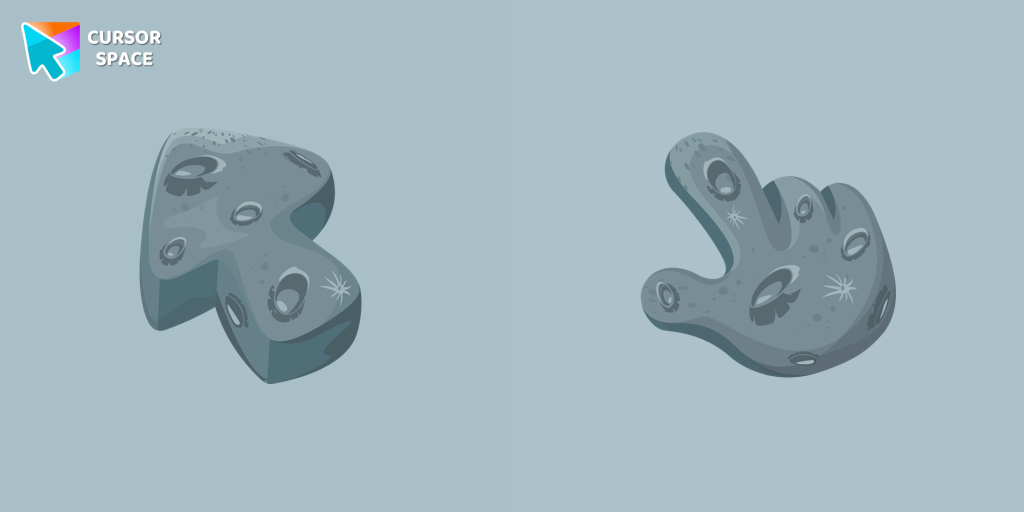 The Moon Texture cursorExplore the wonders of the universe right from your screen with the Moon Texture custom cursor for Google Chrome designed to inspire your cosmic curiosity.
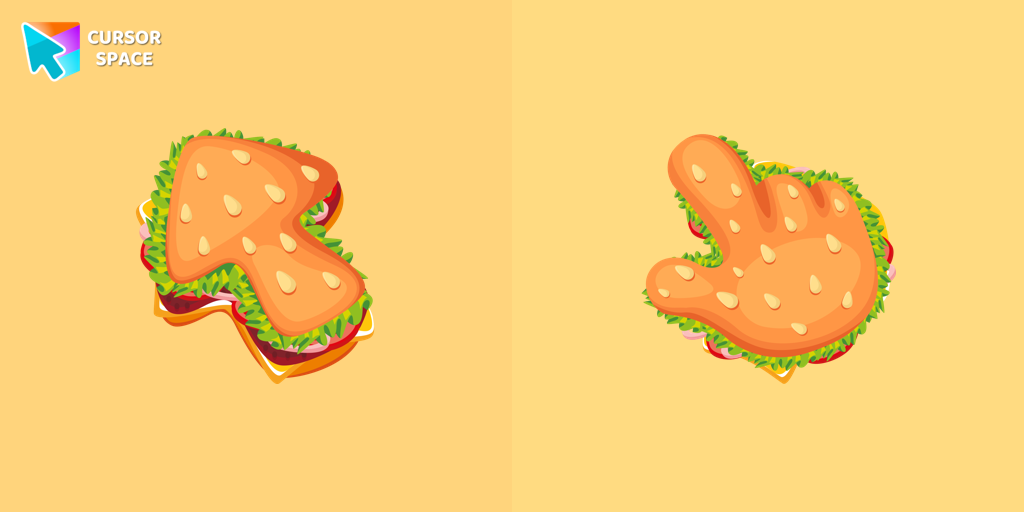 Burger Texture cursorThe Burger Texture cursor is a distinctive and entertaining option for Chrome users who enjoy personalizing their browsing experience with custom cursors.
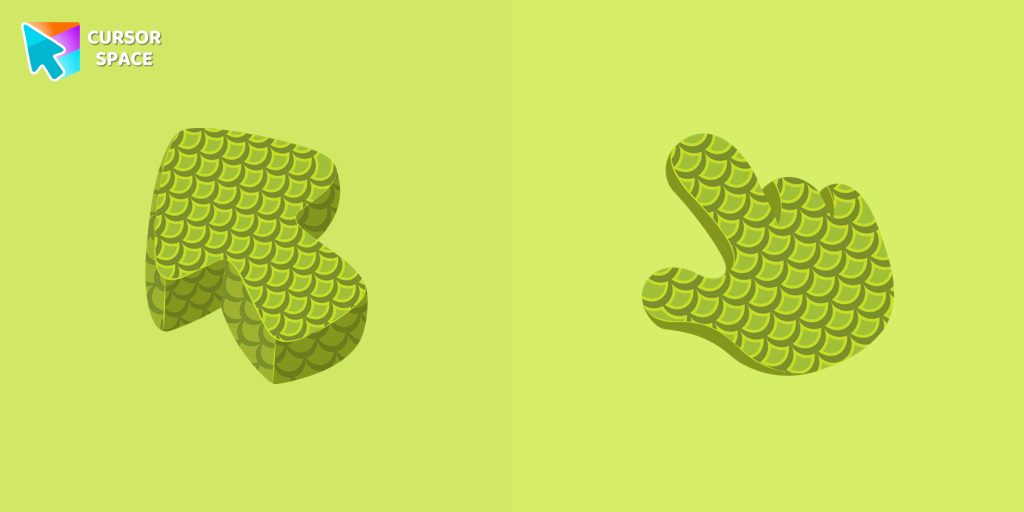 Green Scales Texture cursorExplore the reptile-inspired custom cursor for Google Chrome featuring intricate scales. Elevate your browsing with this unique texture custom cursor.
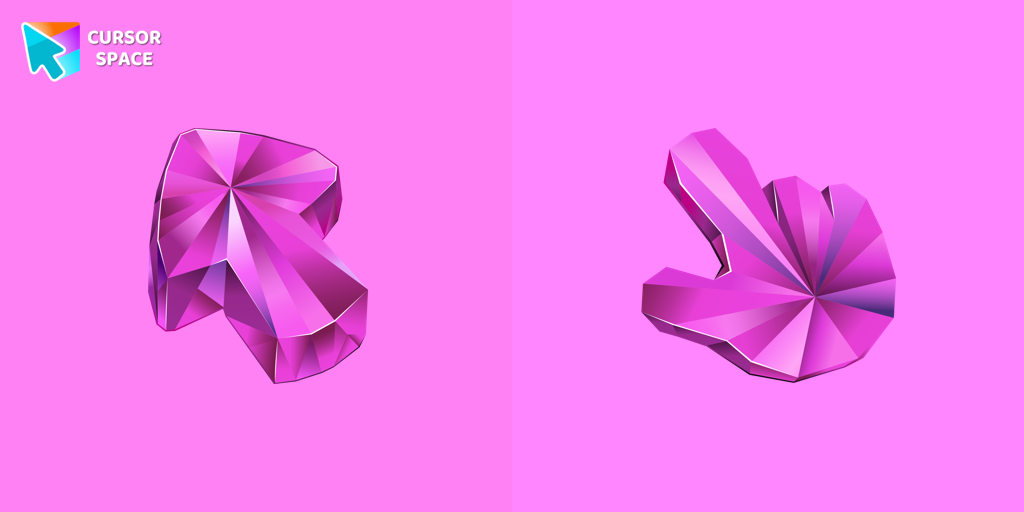 Pink Sapphire Texture cursorEnhance your browsing with the Pink Sapphire Texture custom cursor for Google Chrome, offering elegant design and sophisticated style to elevate your screen
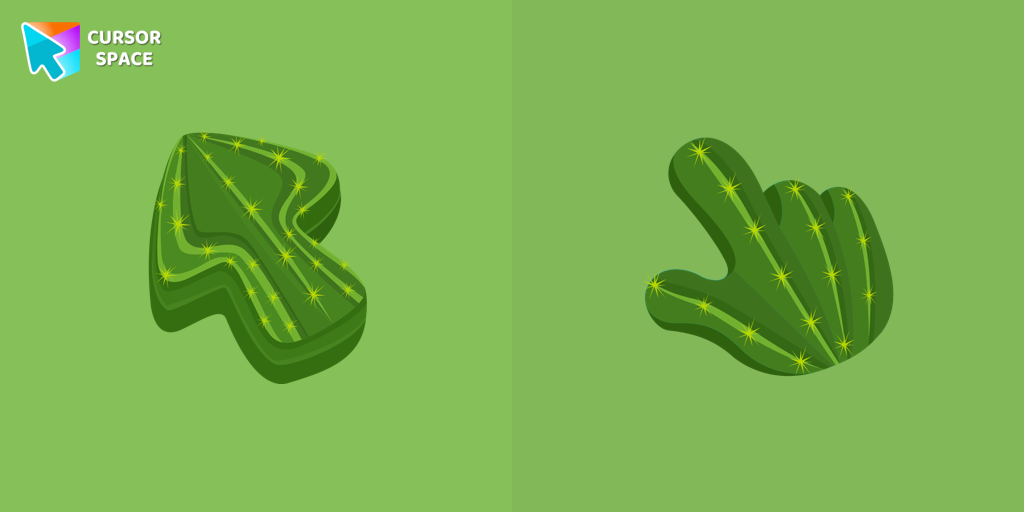 Cactus Texture cursorExplore the beauty of desert plants on your screen with our cactus custom cursor for Google Chrome. This custom cursor adds charm and a touch of nature.
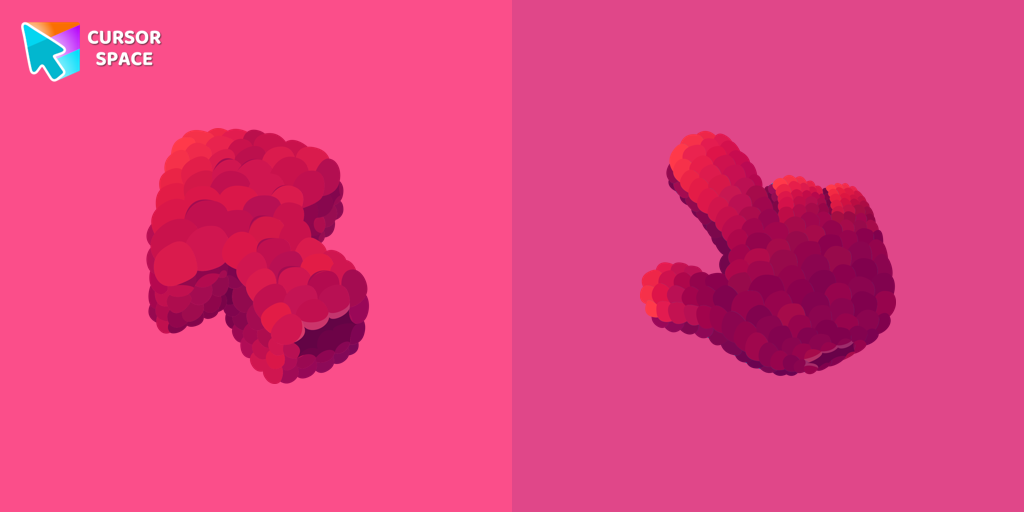 Raspberry Texture cursorEnhance your browsing with our raspberry-themed custom cursor for Google Chrome from the Textures collection, adding sweetness and charm to your navigation.
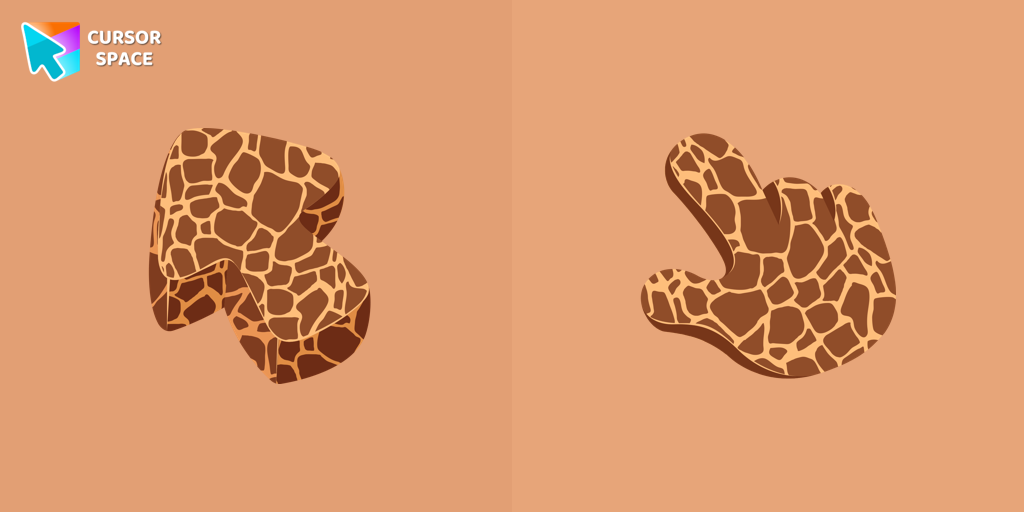 Giraffe Texture cursorGet closer to nature with a realistic giraffe custom cursor for Google Chrome designed to enhance your browsing and add elegance to your screen.
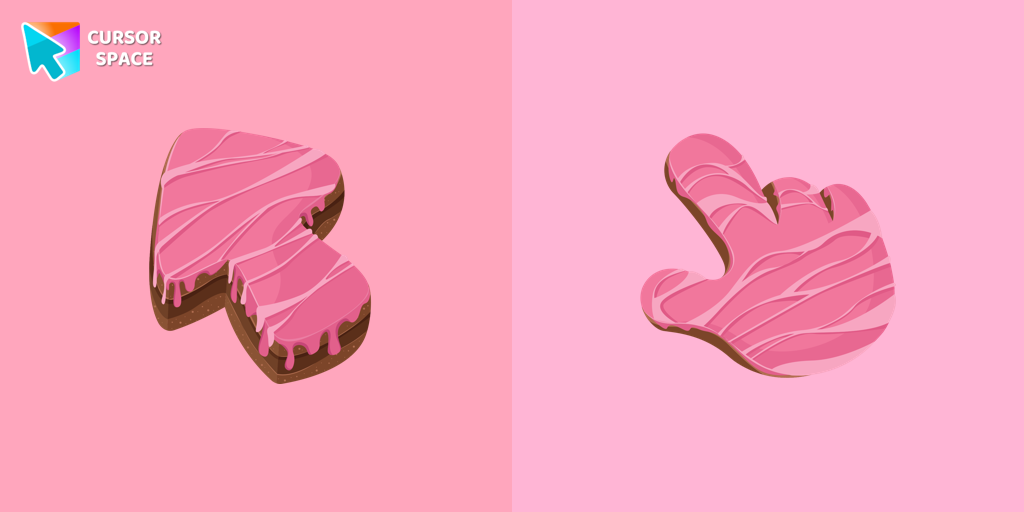 Cake Texture cursorElevate your daily browsing with our cake custom cursor for Google Chrome. Celebrate each click with sweetness and style using this delightful custom cursor
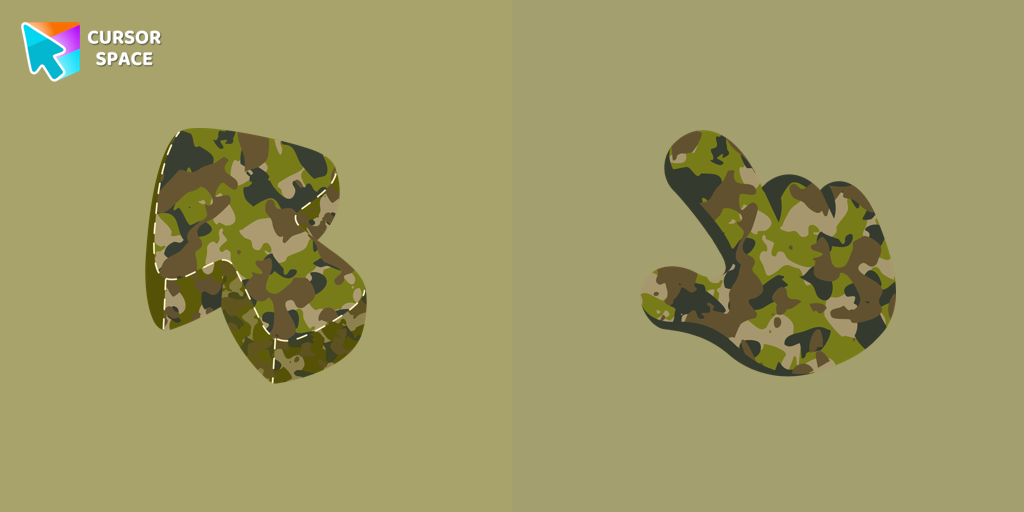 Military Uniform Texture cursorUpgrade your browsing with a formal Military Uniform Texture custom cursor for Google Chrome designed for professional settings and a refined cursor style.
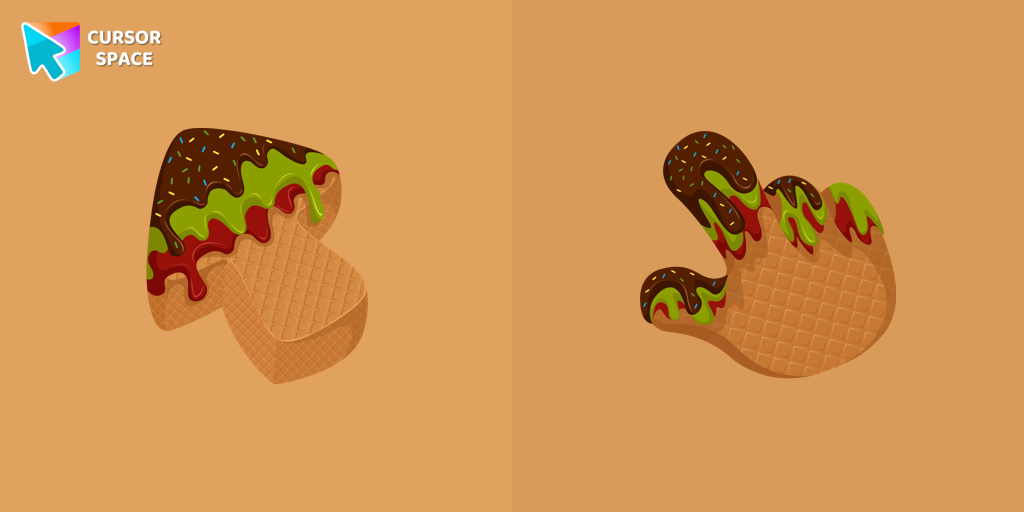 Ice Cream Texture cursorEnjoy a delightful browsing experience with our Ice Cream texture custom cursor for Chrome. Choose your flavor and sweeten your cursor style today.
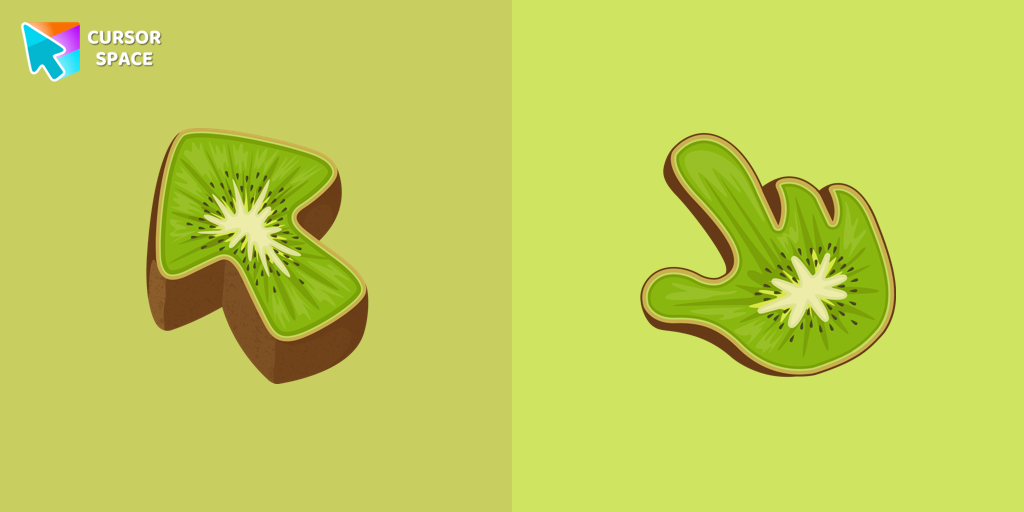 Kiwi Texture cursorEnhance your browsing experience with the Kiwifruit Texture custom cursor inspired by the exotic kiwifruit, celebrating nature's uniqueness on your screen.
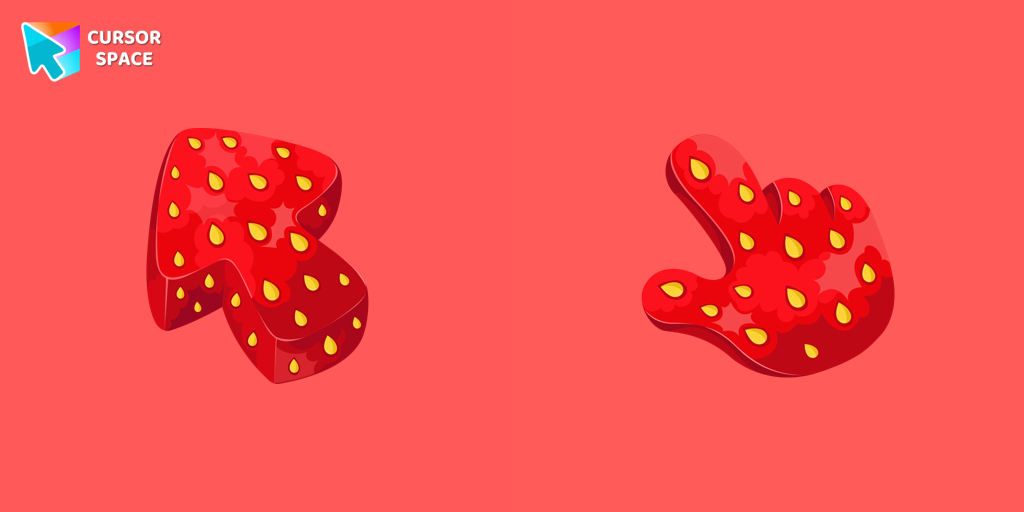 Strawberry Texture cursorEnjoy the sweetness of summer anytime with our strawberry texture custom cursor designed to enhance your browsing experience and awaken your senses.
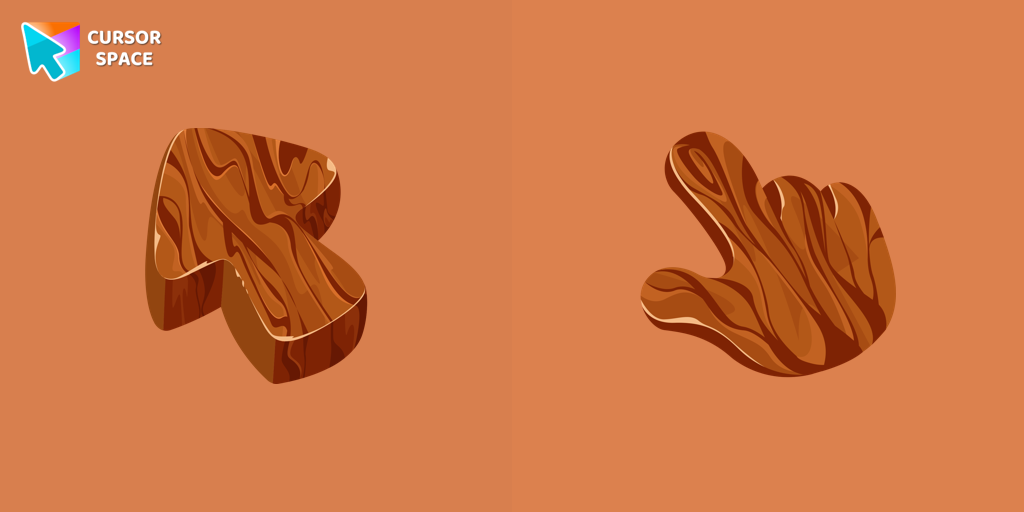 Tree Texture cursorExplore nature's beauty with the Tree Texture custom cursor, inspired by diverse tree forms. Connect to serene forests and elevate your browsing experience!
 Gingerbread Texture cursorBring sweetness to your browsing with our Gingerbread custom cursor—an adorable design from our Textures collection that adds charm and personality!
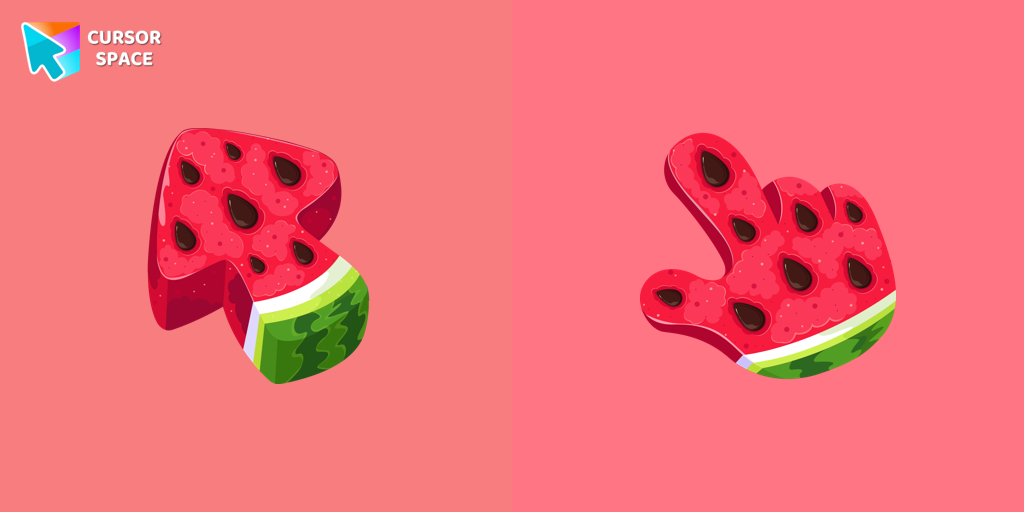 Watermelon Texture cursorEnjoy summer vibes year-round with our Watermelon Texture custom cursor, adding refreshing charm and vibrant color to your browsing experience.
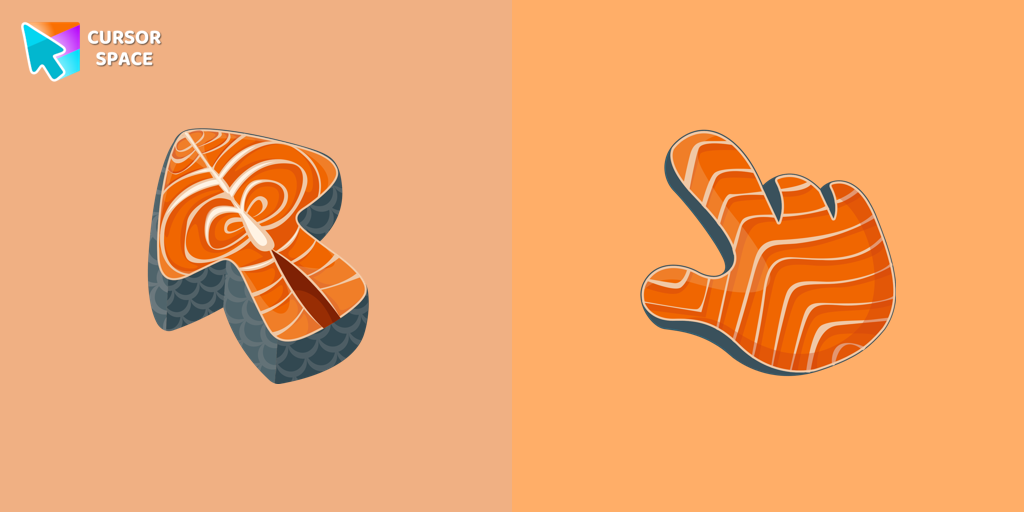 Salmon Texture cursorSalmon is packed with nutrients, and now you can enjoy it as a custom cursor for Google Chrome. Add this healthy and delicious design to your browser today.
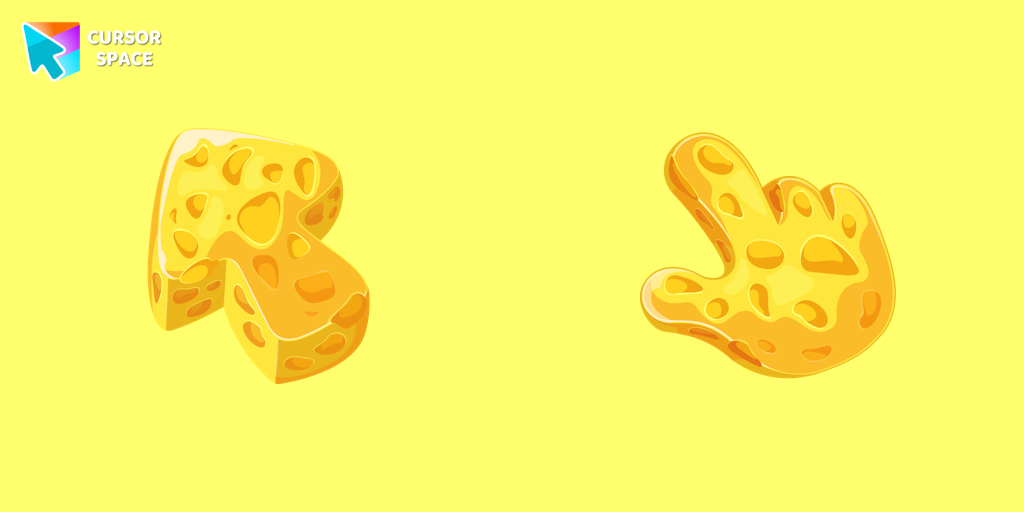 Cheese Texture cursorThis cheese-themed custom cursor is a delightful addition to our Textures custom cursors collection specifically designed for Chrome users.
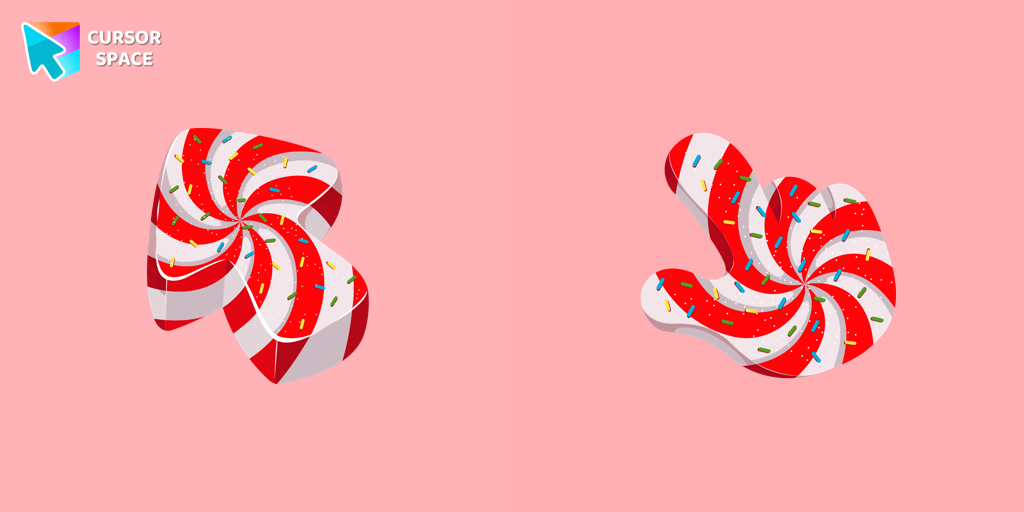 Candy Texture cursorThe Candy Cursor adds sweetness to your browsing experience with a beautifully designed custom cursor, evoking the joy of childhood candy.
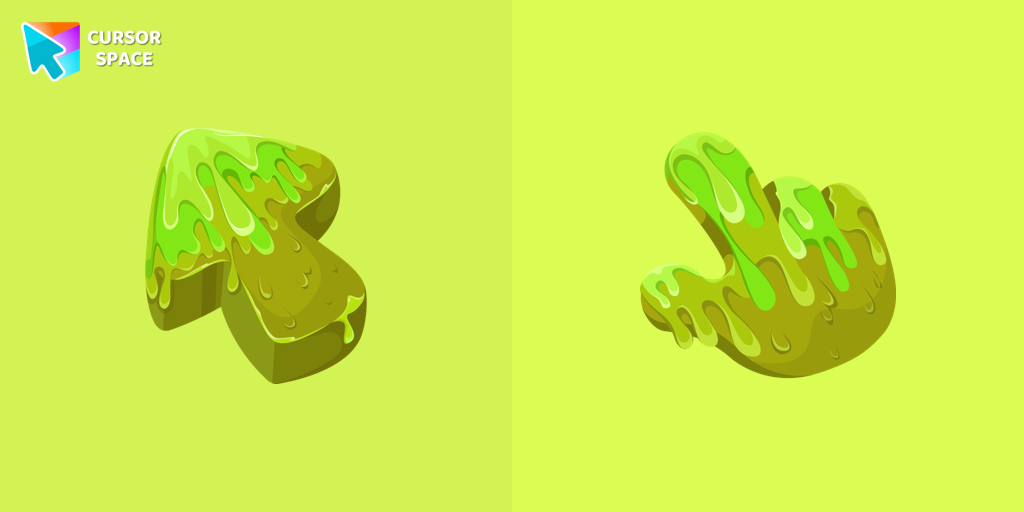 Slime Texture cursorOur collection of custom cursors is excited to introduce the Cute Cursor Bundle, which includes a charming slime cursor and an adorable hover pointer.
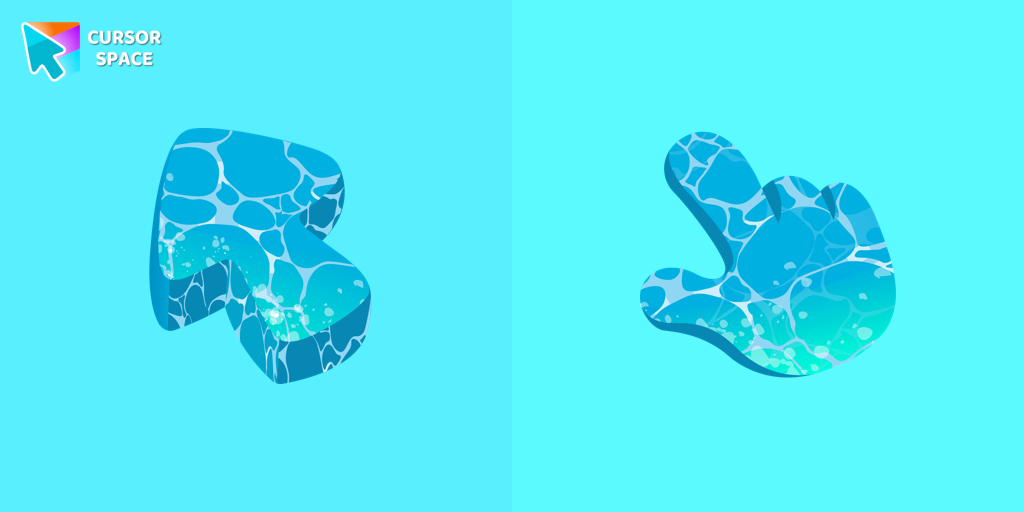 Water Texture cursorWater is interesting because it can be in different forms. It can be solid like ice, gas like steam, and even turned into a special cursor for your mouse.
Explore cursor packs by style
Cursor Space packs include curated cursor sets for everyday browsing: cute, minimal, anime, neon, pixel art, and more. Each pack comes with multiple cursor states (like default and pointer) and can be added to your browser in seconds.
Trending now
Fresh picks based on what people install most often.
Collections
Browse themed sets grouped by vibe and aesthetic.
Top charts
See weekly, monthly, and all-time leaders.
How to install a cursor pack
- Open any pack from the grid above.
- Click the install / add button on the pack page.
- If you don’t have it yet, install the Cursor Space browser extension.
- Apply the pack in the extension and enjoy your new cursor.
FAQ
Quick answers to common questions about cursor packs, collections, and installation.
Are cursor packs free on Cursor Space?
Most cursor packs on Cursor Space are free to browse and install. Some packs may be marked premium depending on licensing. The Cursor Space browser extension is free to install from the Chrome Web Store.
Do cursor packs work on Chrome and Edge?
Yes. Install the Cursor Space extension for Chromium-based browsers (Chrome, Edge, Brave), open a pack page, and click install/apply. The extension applies the cursor set across your browser.
How do I install a custom cursor pack?
Open the pack page, click the install or add button, install the Cursor Space extension if prompted, then apply the pack from the extension popup. Your new cursor appears immediately.
Can I change or remove a custom cursor later?
Yes. Open the Cursor Space extension, choose another pack, or restore the default system cursor from the extension settings.
Is the Cursor Space extension safe?
Cursor Space is distributed via the Chrome Web Store and Edge Add-ons. Keep the extension updated, and only install packs from trusted catalog pages on this site.