
All Cursor Packs
Browse our full collection of custom cursors. Find your next favorite style and install it for free.
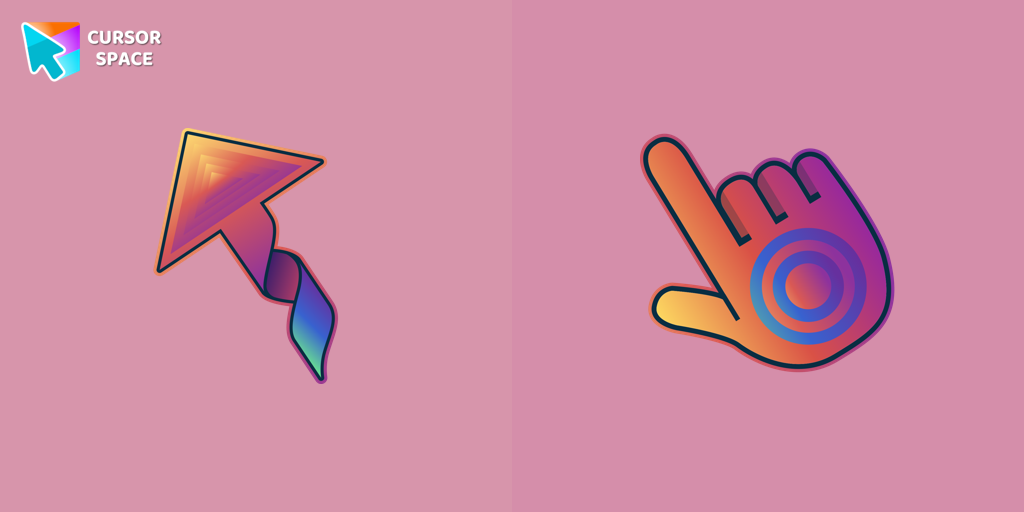 Kite cursorTransform your browsing with custom cursors like The Kite. Discover cute and unique designs for a personalized cursor experience.
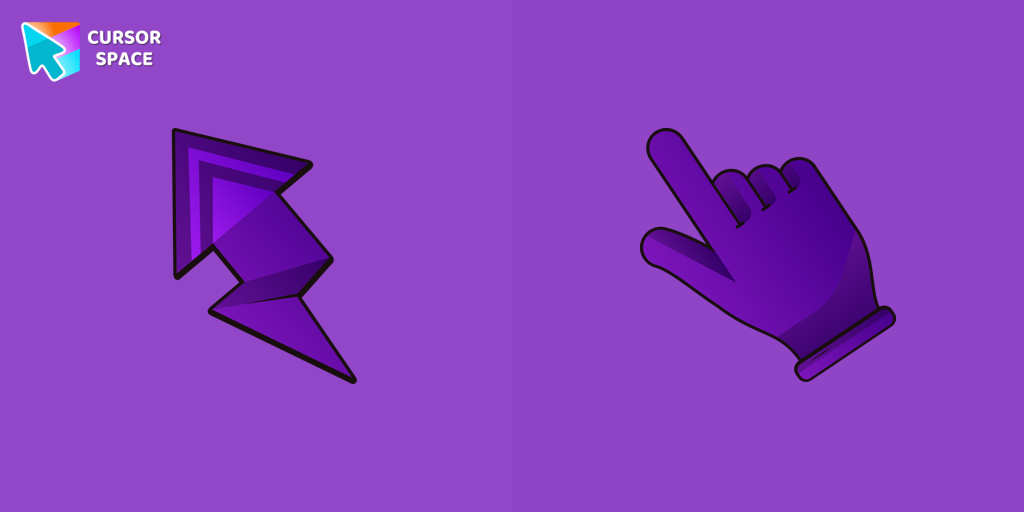 Lightning cursorTransform your Chrome experience with custom cursors like Lightning and Star Wars themes. Add style and fun to your screen today!
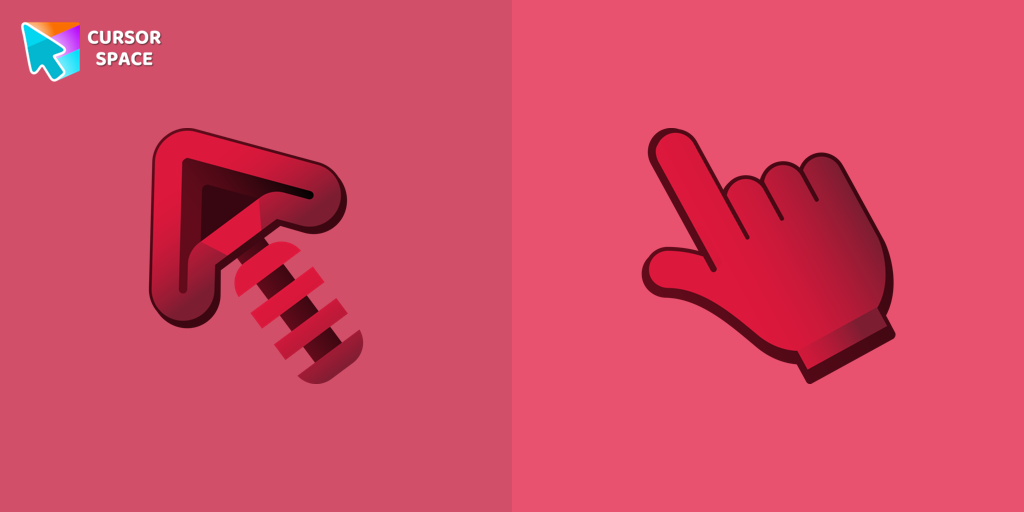 Skeleton cursorElevate your Chrome experience with The Skeleton custom cursor—its spooky, standout design transforms your browsing and turns heads instantly!
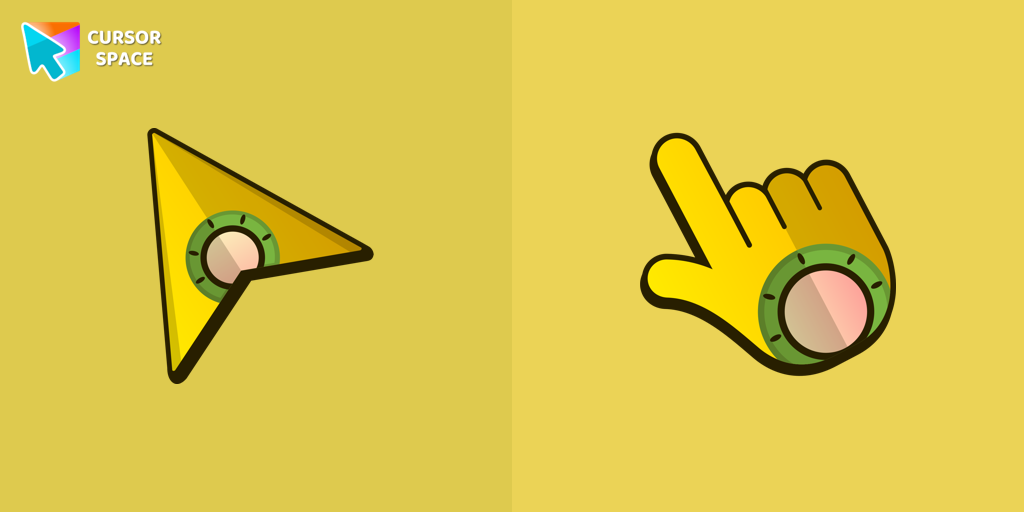 Flying Ship cursorStand out from the crowd with The Flying Ship cursor from our custom cursors collection. Created exclusively for The Best Cursors, this cute cursor offers a unique and eye-catching design.
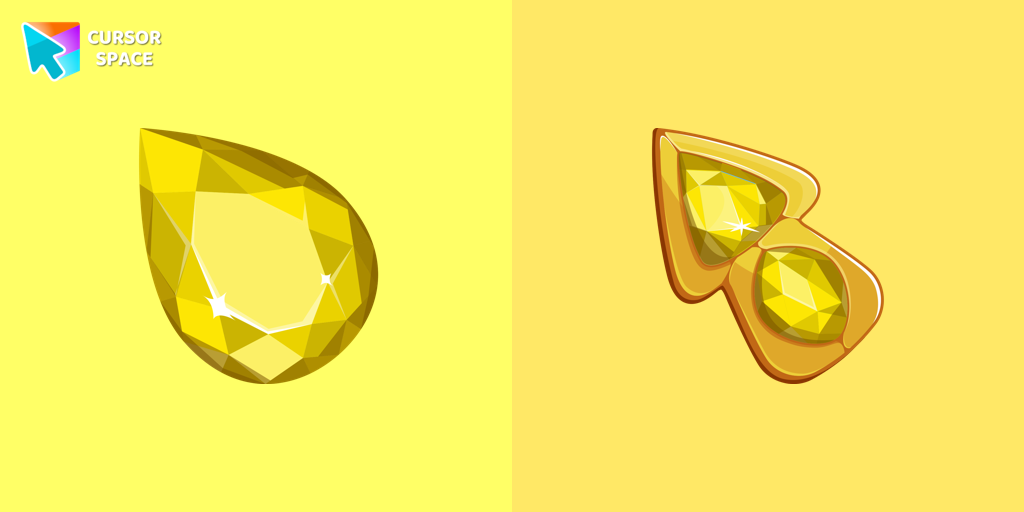 Crystal Drop cursorEnhance your browsing experience with The Crystal Drop custom cursor for Chrome. Its sophisticated design and seamless hover effect take your cursor to the next level
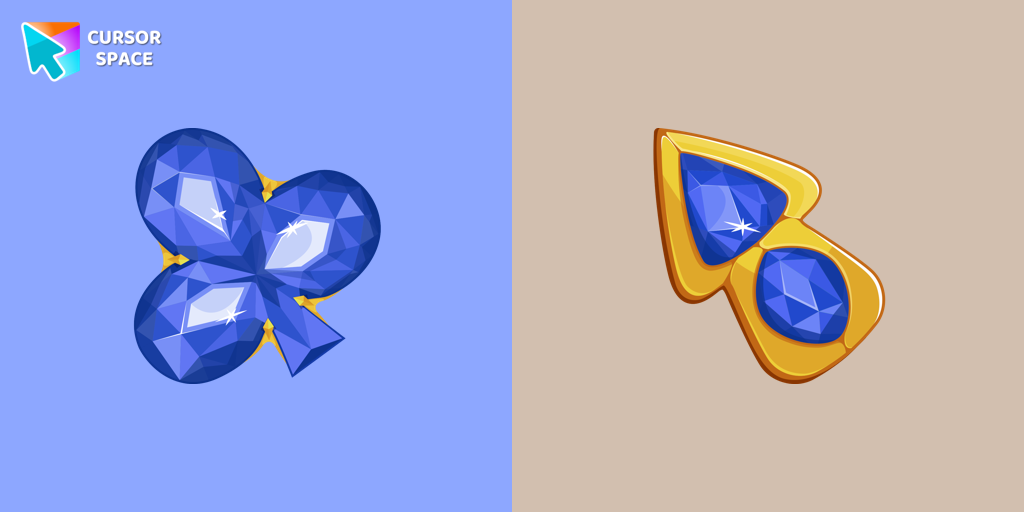 Blue Diamond cursorThis blue cursor is the perfect choice if you're looking to add some charm and interest to your default mouse pointer.
 Orange Line cursorWhy settle for a default cursor when you can upgrade to The Orange Line and enhance your experience with The Cursors collection?
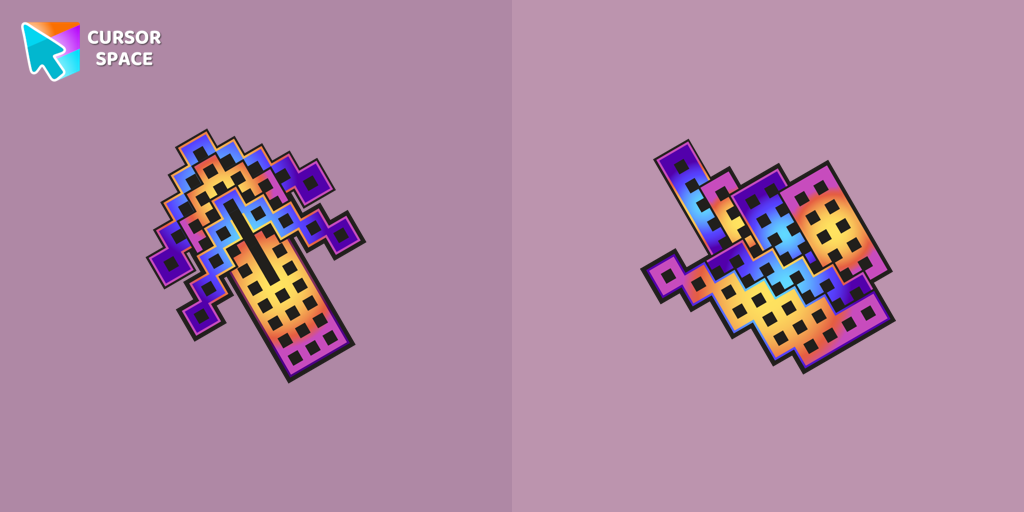 Building cursorElevate your browsing with The Building custom cursor for Chrome. Enjoy a unique design that adds charm and creativity to your everyday pointer.
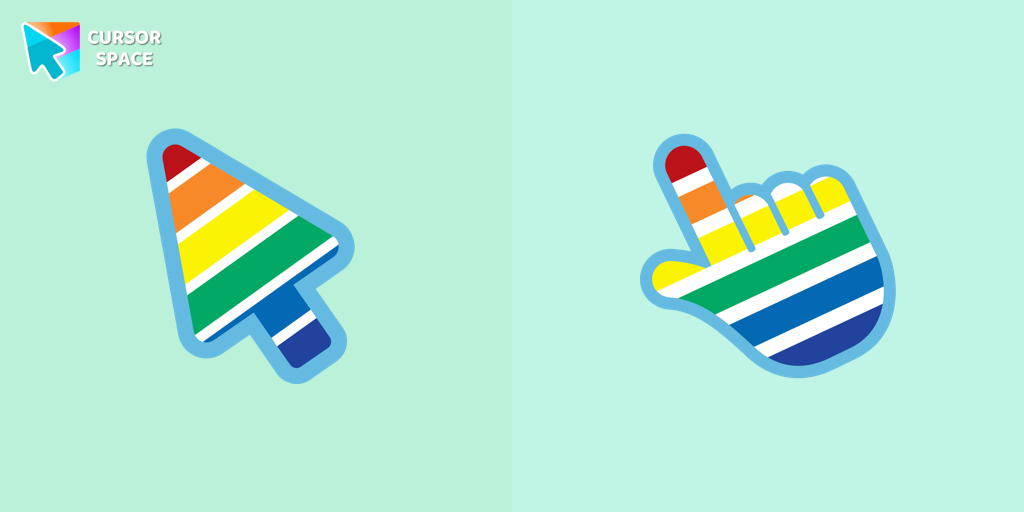 Rainbow cursorExperience the beauty of the rainbow in your browsing with The Rainbow cursor from our custom cursors collection for your browser.
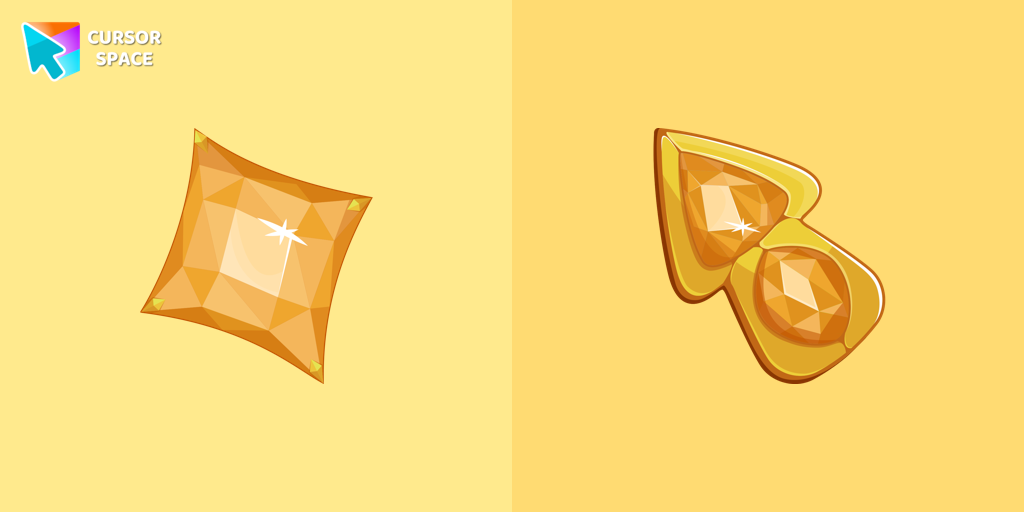 Yellow Diamond cursorUpgrade your browsing with The Yellow Diamond custom cursor—stylish and perfect for Chrome!
 Spinner cursorThe Spinner cursor is a distinctive and visually appealing choice for your mouse cursor, providing an opportunity to set yourself apart from the default cursor.
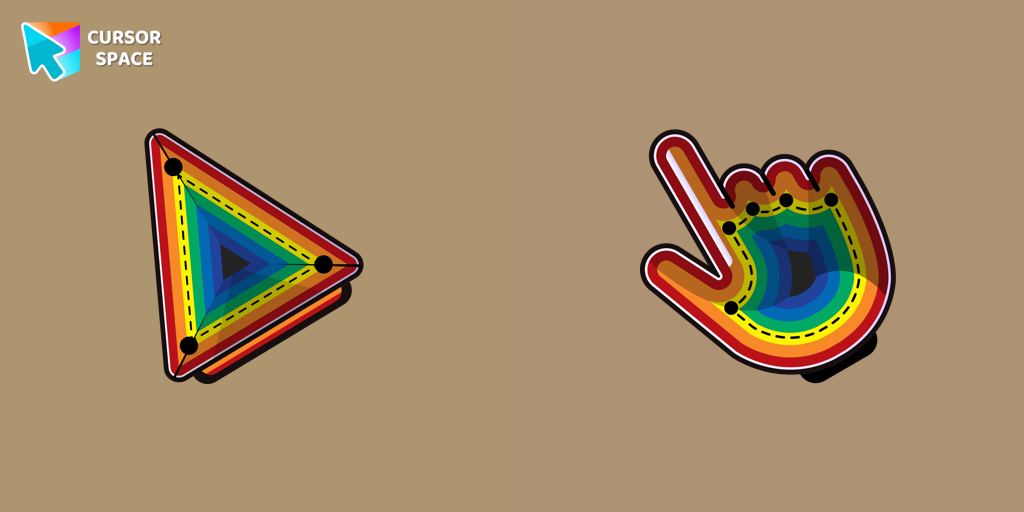 Illusion cursorEnhance your desktop with the Illusion custom cursor - a stylish and eye-catching design that adds flair and personality to your Chrome experience.
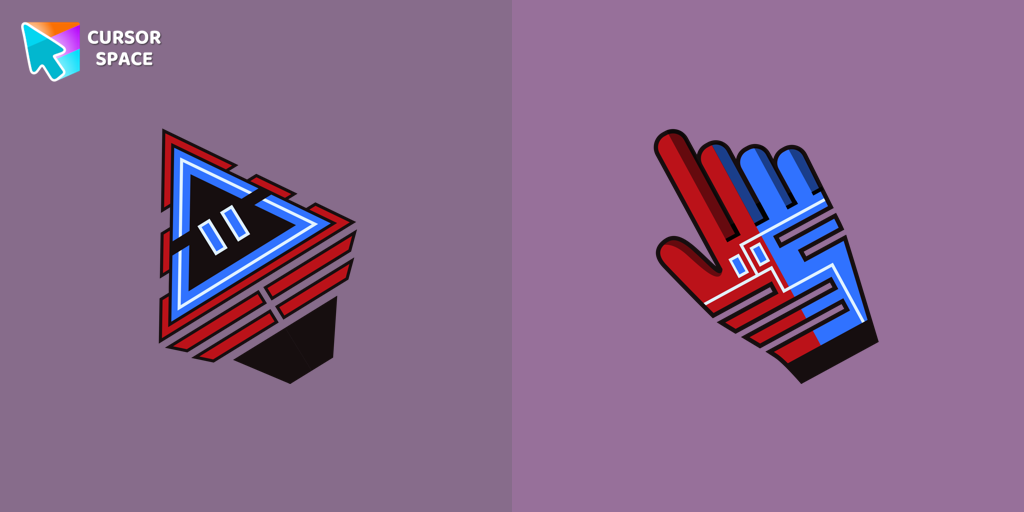 Robot cursorImprove your online experience with The Robot custom cursor. It's cute, customizable, and full of personality - your ideal internet companion is ready for you!
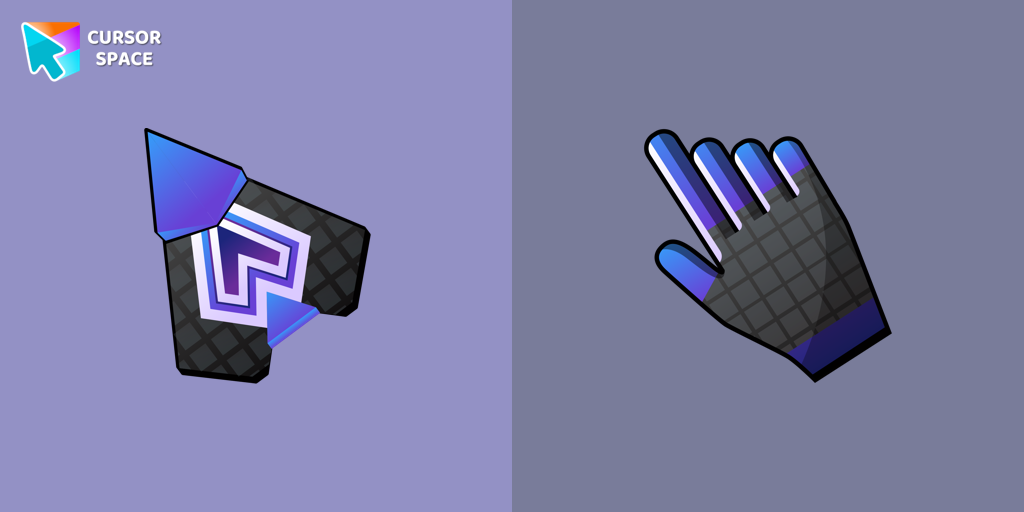 Spaceship cursorEmbark on a cosmic adventure with our custom cursor spaceship design—sleek, stylish, and crafted for an extraordinary browsing experience!
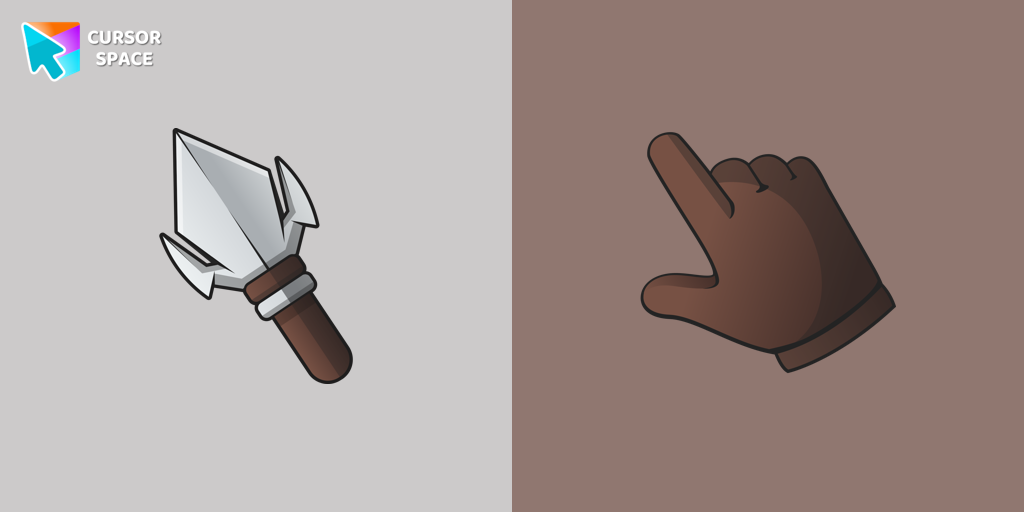 Arrowhead cursorUpgrade your desktop with the Arrowhead custom cursor - featuring a stylish, attention-grabbing design that adds flair and personalization to your experience.
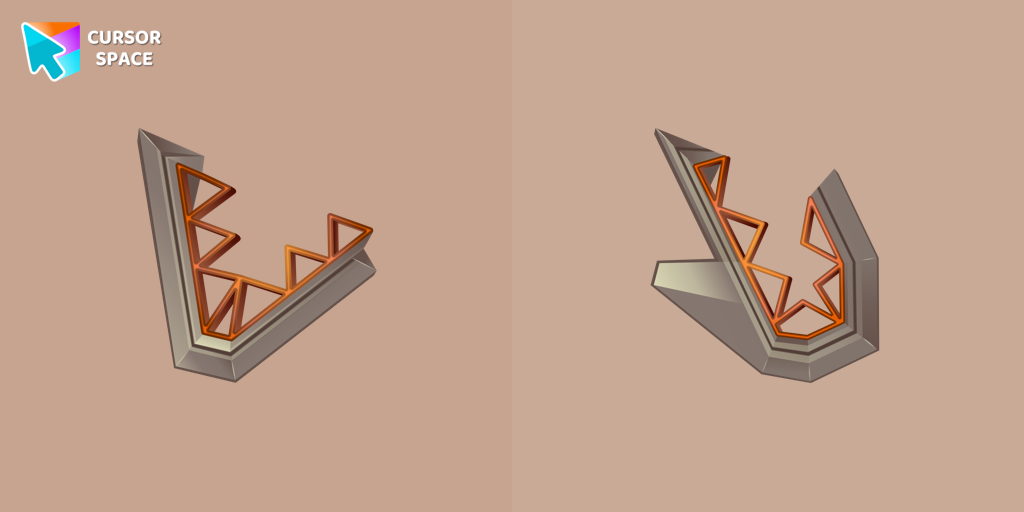 Toothy cursorEnhance your browsing experience with the Toothy custom cursor, a charming and stylish design from the Cursors collection for Chrome. Upgrade your pointer today!
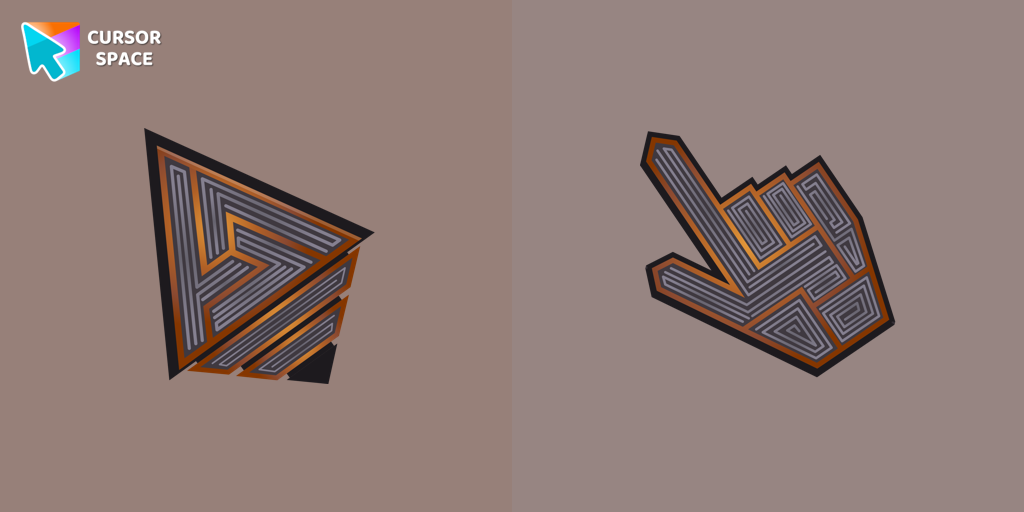 Labyrinth cursorTransform your screen with our unique labyrinth custom cursor, perfect for adding timeless intrigue to your journey.
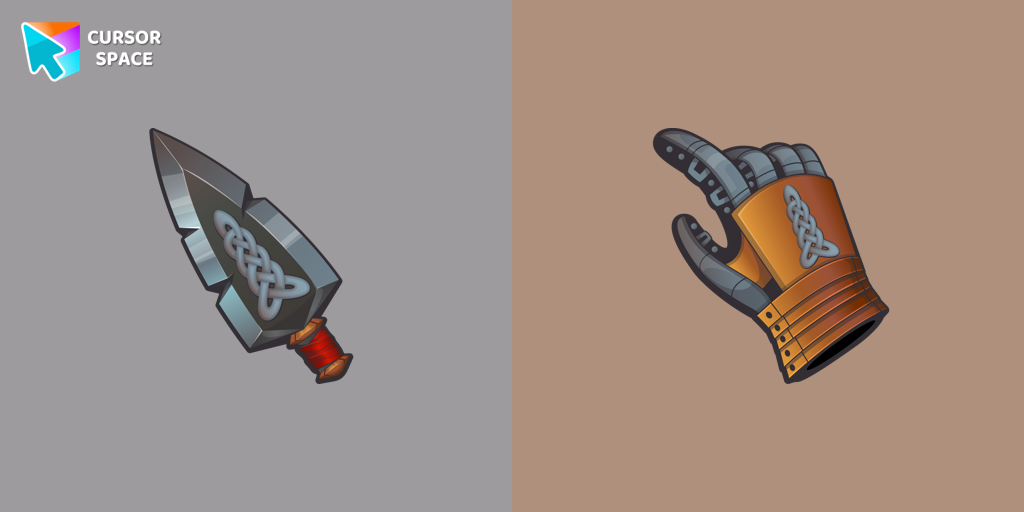 Elf Blade cursorElevate your desktop experience with the Elf Blade custom cursor - adorable, stylish, and unique. Add personality and charm to your digital world.
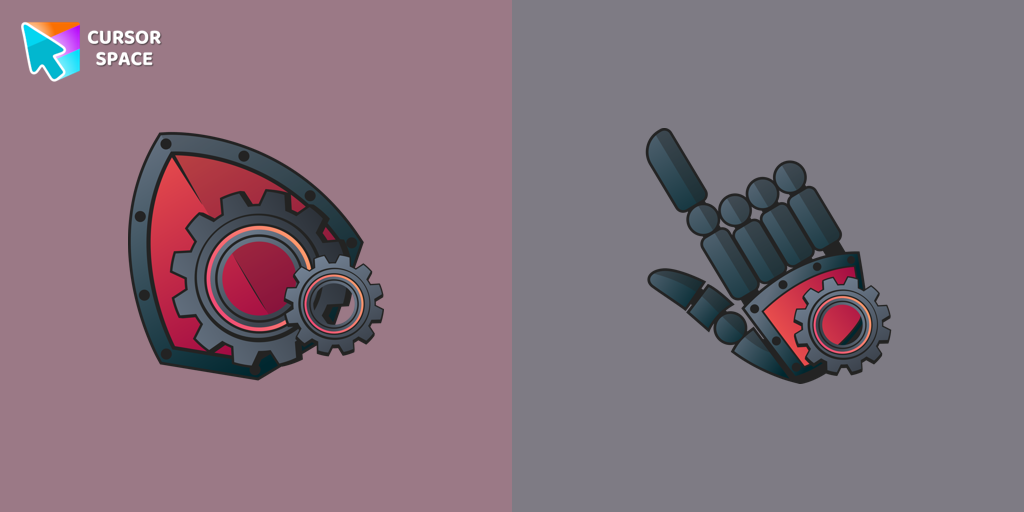 Mechanical cursorUpgrade your desktop with the Mechanical custom cursor, a sleek blend of technology and elegance for a futuristic browsing experience.
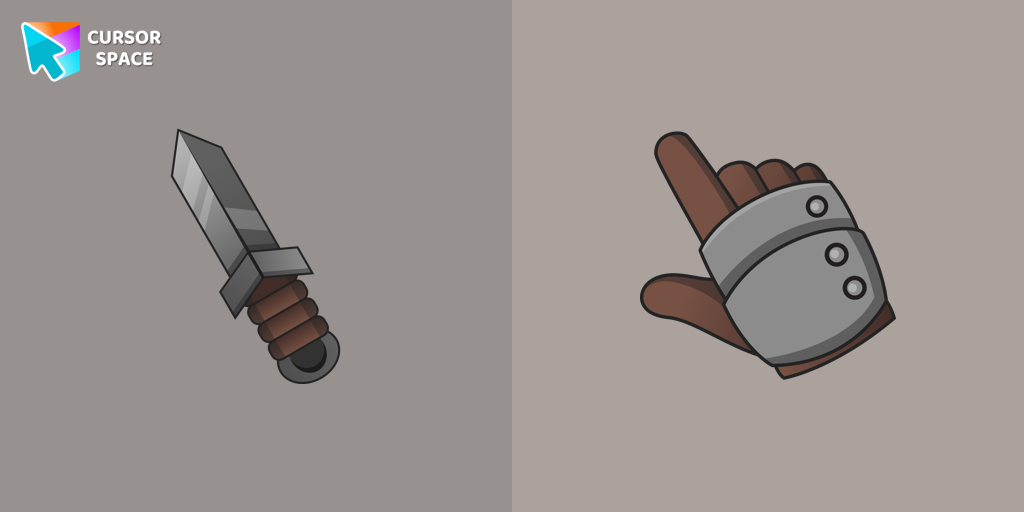 Knight cursorSet off on a medieval adventure with the Knight custom cursor! This charming and gallant design brings whimsy and magic to your browsing experience.
Explore cursor packs by style
Cursor Space packs include curated cursor sets for everyday browsing: cute, minimal, anime, neon, pixel art, and more. Each pack comes with multiple cursor states (like default and pointer) and can be added to your browser in seconds.
Trending now
Fresh picks based on what people install most often.
Collections
Browse themed sets grouped by vibe and aesthetic.
Top charts
See weekly, monthly, and all-time leaders.
How to install a cursor pack
- Open any pack from the grid above.
- Click the install / add button on the pack page.
- If you don’t have it yet, install the Cursor Space browser extension.
- Apply the pack in the extension and enjoy your new cursor.
FAQ
Quick answers to common questions about cursor packs, collections, and installation.
Are cursor packs free on Cursor Space?
Most cursor packs on Cursor Space are free to browse and install. Some packs may be marked premium depending on licensing. The Cursor Space browser extension is free to install from the Chrome Web Store.
Do cursor packs work on Chrome and Edge?
Yes. Install the Cursor Space extension for Chromium-based browsers (Chrome, Edge, Brave), open a pack page, and click install/apply. The extension applies the cursor set across your browser.
How do I install a custom cursor pack?
Open the pack page, click the install or add button, install the Cursor Space extension if prompted, then apply the pack from the extension popup. Your new cursor appears immediately.
Can I change or remove a custom cursor later?
Yes. Open the Cursor Space extension, choose another pack, or restore the default system cursor from the extension settings.
Is the Cursor Space extension safe?
Cursor Space is distributed via the Chrome Web Store and Edge Add-ons. Keep the extension updated, and only install packs from trusted catalog pages on this site.